



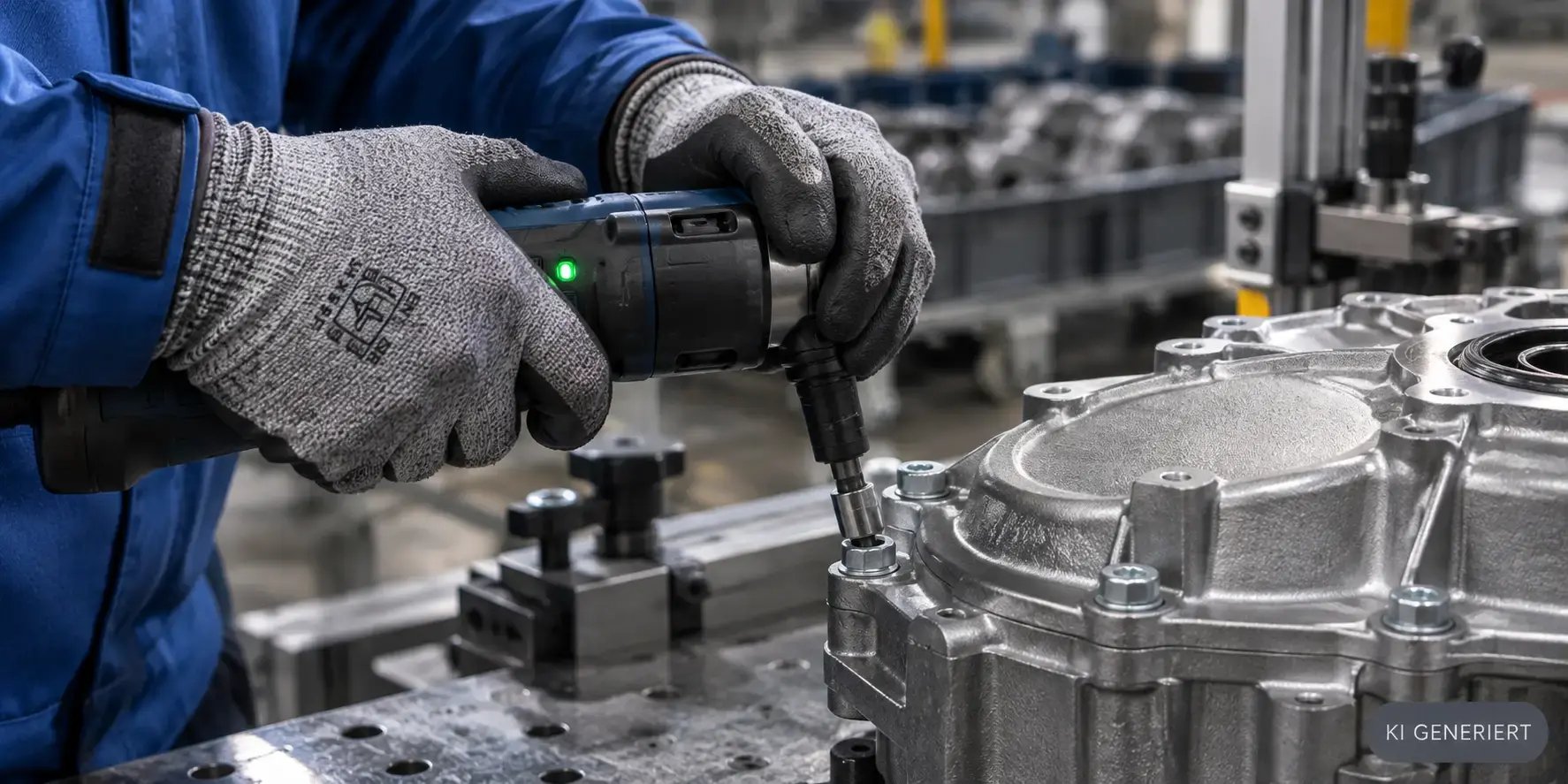
The screwdriver signals an error, but the screen still displays the next step. The worker continues to place the component because that’s what the instructions call for. Three stations later, the error is noticed—in the worst-case scenario, not until it reaches the customer. It is precisely in this gap between what the tool knows and what the worker sees that the quality of manual assembly is determined. Intelligent worker guidance closes this gap by feeding real-time data directly back into the on-the-job instructions.
KEY POINTS AT A GLANCE
|
IN A NUTSHELL
|
|
CONTENTS OF THIS ARTICLE |
What is intelligent worker guidance?
Intelligent operator guidance refers to a digital assistance system at a manual workstation that not only displays work steps but also evaluates data from connected devices in real time and reacts accordingly. The on-screen instruction is therefore no longer a fixed sequence, but rather the result of the job order, variant, device status, and measurement result.
Traditional operator guidance replaced paper folders with screens. This was an important step, as instructions have since been up-to-date, illustrated, and versioned. What this first generation cannot do: It does not know whether the operator has actually performed the step correctly. The operator confirms by pressing a button, and the system takes their word for it.
Operator guidance becomes intelligent the moment confirmation no longer comes from a person, but from the process itself. The screwdriver provides torque and angle of rotation, the scanner provides the serial number, and the camera provides an image of the installed component. Only when this data matches does the system approve the next step. For an overview of the benefits and implementation of the basic digital form, see the article “Digital Worker Guidance: Definition, Benefits, and Roadmap.”
For quality and production managers, this distinction is no minor detail. Section 8.5.1.2 of the IATF 16949 standard requires standardized work instructions that are available and understandable at the workplace. Whether a step was subsequently performed correctly can only be verified with data.
|
45% fewer assembly errors with digital worker assistance in a pilot study Source: Ernst Abbe University of Applied Sciences Jena, Gerlach et al. 2022 |
383,000 jobs in Germany that are projected to remain unfilled by June 2026 Source: KOFA at the German Economic Institute, Skilled Labor Report, June 2026 |
94% of industrial companies consider Industry 4.0 important for international competitiveness Source: Bitkom Research 2026 |
Over 90% shorter training time with adaptive worker assistance at Wilo Source: Production trade magazine, report on the 34th German Assembly Congress |
The figures come from various sources and measure different things. Together, they paint the big picture: According to the Competence Center for Securing Skilled Workers (KOFA) at the German Economic Institute, the labor shortage remains high despite the weak economy; according to a study by the digital association Bitkom, the industry considers digitalization crucial for competitiveness; and assistance systems have been proven to reduce errors and training times.
What real-time data is generated at the assembly workstation?
A typical manual assembly workstation generates significantly more data than most companies utilize. Much of this data already exists in the devices’ control systems, but it never reaches the operator. The following overview shows the most important sources and how an intelligent operator guidance system makes use of them.
| Data Source | Typical Data | What the worker sees |
|---|---|---|
| Screwdriving control | Torque, rotation angle, curve profile, pass/fail status | Approval of the next step or specific rework instructions |
| Scanners and readers | Serial number, lot number, part code according to the GS1 standard | Confirmation of the correct component or lockout in case of mix-up |
| Camera | Image of the assembly, recognized features, location of components | Indication of missing or incorrectly installed parts |
| Measuring equipment | Dimensions, test values, tolerance assessment | Immediate notification in case of limit value violations |
| Order and master data | Variant, bill of materials, inspection plan | Only the steps that apply to this specific variant |
| Operator identification | Login, Qualification, Training Status | Authorization only for qualified tasks, customized level of detail |
What matters is not the number of data sources, but the feedback they provide. A technician who simply enters their results into a database provides data for later analysis. A technician whose results change the on-screen instructions prevents the error before it propagates further. The article on connecting ITH high-torque impact wrenches to PG demonstrates how CSP implements the integration of heavy-duty tools.
For safety-critical connections, a regulatory aspect comes into play. The VDI/VDE 2862 guideline classifies fastening cases into categories A, B, and C based on their risk and derives minimum requirements for monitoring and documentation from this classification. An intelligent operator guidance system can incorporate this classification directly into the step logic. Details on the categories are explained in the article “VDI/VDE 2862: Screwdriving Case Classes A, B, and C.”
What distinguishes intelligent operator guidance from static digital operator guidance?
In practice, we encounter four stages of development. They build on one another, and each stage solves a different problem. This classification helps you honestly assess your current status and plan the next step effectively.
| Stage | Characteristic | What It Ensures | What Remains Open |
|---|---|---|---|
| 1 Paper | Printed work instructions, job ticket | Basic availability of knowledge | Up-to-date information, variety of options, documentation |
| 2 Digital display | On-screen instructions, manual confirmation | Current version, images, and videos | Whether the step was performed correctly |
| 3 Locked operator guidance | Devices connected; step is not released until a valid result is obtained | Sequence, completeness, tool result | Response to deviations is rigid |
| 4 Intelligent operator guidance | Data controls the process, correction paths, and level of detail | Error prevention during the production cycle, complete documentation | Continuous maintenance of rules |
Many companies are at Level 2 but expect results from Level 4. This explains some of the disappointment following the introduction of a screen-based system: The instructions look better, but the error rate has barely decreased. The leap from Level 2 to Level 3 is usually the most effective because it replaces manual confirmation with device-based confirmation.
Level 4 adds situational awareness to the system. The system knows which variant is on the workpiece carrier, what qualifications the logged-in worker has, and how the most recent screw fastening operations at this station performed. This results in instructions tailored to the specific situation rather than to the average.
|
FREE CHECKLIST 7 Principles of Safe Operator Guidance Evaluate your assembly workstations based on seven principles that systematically eliminate sources of error. Concise, practical, and ready to use. |
How does the control loop between the tool and the worker close?
The closed-loop control system is the technical heart of intelligent worker guidance. It describes how a single work step proceeds, from the instruction to the release. Using the example of a safety-critical screw connection, it looks like this:
- Instruction: The system displays the position, tool, and program for this specific variant. The correct screwdriving program is automatically transferred to the controller.
- Tool release: The screwdriver does not start until the correct position has been reached and the correct component has been scanned.
- Execution: The operator tightens the screw, and the control system records the torque and angle of rotation.
- Evaluation: The result is returned as “OK” or “Not OK,” including the key parameters.
- Branching: If the result is “OK,” the system authorizes the next step. If “Not OK,” it initiates a defined correction path, such as loosening, inspecting, and re-tightening with a limited number of repetitions.
- Escalation: If the limit on the number of repetitions is reached, the system locks the component and notifies the responsible department, rather than leaving the decision solely to the operator.
- Documentation: The result, operator identification, timestamp, and serial number are assigned to the component and are available for traceability and auditing purposes.
These seven steps sound self-evident. In reality, implementation often fails at step 5. Many systems only recognize successful outcomes and leave the operator to deal with a red error message on their own when a fault occurs. An intelligent operator assistance system, on the other hand, treats the error as a regular process path with its own set of instructions.
How meaningful the evaluation in Step 4 is depends on the analysis of the fastening curve. A fastening operation can fall within the torque limits and still be problematic—for example, due to premature head contact or thread damage. Typical patterns and their causes are described in the article “Screw-Fastening Curves: Patterns and Causes.”
|
Practical Mistake: Acknowledging Instead of Correcting A common pattern in practice is using the “acknowledge” button for non-conforming results. It is introduced to keep the line running and eventually becomes the standard response. The error is documented but not corrected. An intelligent operator guidance system allows acknowledgment only with a justification and authorization and links each acknowledgment to the affected component. |
How fast does “real-time” really need to be on the shop floor?
The term “real-time” often leads to misguided requirements in projects. Anyone who thinks in terms of milliseconds will quickly end up planning an oversized infrastructure. The industry portal Industrial Production rightly points out that, in an operational context, real-time is less a question of technical feasibility than of the process situation: “Fast enough” is whatever enables the relevant decision to be made in a timely manner.
For shop floor control, this can be broken down into three response levels. Each level has its own time window and its own recipient.
| Response Level | Time Window | Recipient | Example |
|---|---|---|---|
| In the work step | Before the operator begins the next step | Operator | Non-conforming screw connection blocks further transport |
| Per cycle | Before the component leaves the station | Operator and line routing | Missing component is detected before handoff |
| During the shift | Before a defect spreads to many components | Shift supervisors and quality control | Clustering of repeat screw connections at a station |
| Across shifts | For analysis and improvement | Quality management and process planning | Trends in the key metrics of a bolting operation over several weeks |
The first two levels fall under operator guidance, while the last two fall under monitoring and analysis. This distinction is important because it prevents two common mistakes: overwhelming operators with trend information they cannot influence, and using management dashboards for decisions that should have been made at the workstation long ago. The article “Real-Time Monitoring in Manufacturing: Benefits and Costs” describes how management benefits from real-time data.
How do instructions adapt to the specific variant, skill level, and situation?
Variant diversity is one of the main reasons why static instructions reach their limits. When dozens of variants are running at a single station, an instruction that covers all variants is too long and too confusing for the individual worker. Intelligent worker guidance solves this through three levels of customization.
Variant: only the steps that apply
Based on the order or the scanned part code, the system identifies the variant and displays only the corresponding steps, positions, and programs. The worker does not see any distinctions between different cases, but rather their exact sequence of steps.
Qualification: Level of detail based on experience
A new employee needs images, videos, and inspection instructions for each step. An experienced operator, on the other hand, primarily needs to know the deviations from the standard variant. Through the login screen, supervisors can adjust the level of detail without having to maintain two separate sets of instructions. A report in the trade magazine *Produktion* shows that this approach can significantly shorten the training period: According to its own figures, pump manufacturer Wilo has reduced training time by over 90 percent using adaptive worker assistance. The article “Digital Worker Guidance: Quality Despite a Shortage of Skilled Workers” describes how digital worker guidance can be used specifically to address staffing shortages.
Situation: Knowledge from the Previous Shift
The third level utilizes information that goes beyond the individual work step. If there was repeated rework at this workstation during the previous shift, the system can display an additional inspection step. If a component was delivered from a batch flagged as problematic, a specific inspection note appears. The article “Shift Change Without Loss of Information” shows how information is preserved during shift changes.
| Situation | Static Instructions | Intelligent operator guidance |
|---|---|---|
| New variant is being launched | Operator searches for the correct section | System displays only the valid steps |
| Invalid screw connection | Red alert; operator decides | Defined correction path with limits and escalation |
| New employee | Same instructions as for experienced employees | Greater level of detail, additional checks |
| Wrong component picked | Noticed during a later inspection | Scan or camera immediately halts the step |
| Audit requests proof | Manual confirmations serve as proof | Device data by serial number |
What role does AI play in worker guidance today?
Artificial intelligence is often used as a synonym for intelligent operator guidance. This is misleading. Most of the effective functions of intelligent worker guidance are based on clearly defined rules: “Result valid, next step clear.” These rules are transparent, verifiable, and auditable, which is a decisive advantage in regulated industries.
AI complements this rule-based system in areas where rules are difficult to formulate. The most important field today is image recognition. A camera that checks whether a plug is fully engaged or a gasket is correctly installed works with trained models. Just how effective this can be is demonstrated by the previously cited experiment at Ernst Abbe University of Applied Sciences in Jena: During the assembly of an explosion-proof light fixture, the average number of errors across 30 assemblies dropped from 16.4 with conventional assembly to 9.1 at a workstation equipped with digital worker assistance and a deep learning model. The article on the new camera module in PG describes how CSP integrates cameras into worker guidance.
A second area is pattern recognition in process data. Recurring anomalies in screwdriving curves or measured values can be detected earlier using statistical and machine learning methods than with fixed thresholds. However, the decision regarding what action to take at the workstation should still be defined as a traceable rule. An AI model may trigger an alert, but the approval of a safety-critical step should be based on verified criteria.
Intelligent worker guidance does not result from more screen time, but from fewer blind confirmations.
What practical mistakes prevent the benefits of real-time data from being realized?
The technology for intelligent worker guidance is available. Whether it’s effective depends on how it’s implemented. We see five mistakes time and again in projects:
- Data without a feedback loop: Tools are connected, but their results flow only into the database and not into the instructions. The system documents errors instead of preventing them.
- Only the “pass” scenario is modeled: There is no defined procedure for non-conforming results. The worker improvises, and the response depends on the individual.
- Too many notifications: Every deviation triggers a notification. After a few days, notifications are simply dismissed. Fewer, but clear, notifications are more effective.
- Instructions without a maintenance process: Design changes reach the operators’ guidance too late. As a result, the system leads them precisely down the wrong path.
- Siloed solution per station: Each station has its own logic and data management. This prevents end-to-end traceability across the production line.
The fourth point is often underestimated. The more a work instruction system controls the process, the more important it is that its rules are up to date. Responsibility for changes therefore belongs in a fixed process involving work planning, quality assurance, and production. The article “How Production Knowledge Is Lost on the Shop Floor” illustrates how production knowledge is lost without such processes.
The fifth point concerns system architecture. Operator guidance, process data management, and higher-level systems such as MES and ERP must exchange data without each station requiring its own interfaces. The article “Operator Assistance Systems with MES Integration” explains the role that MES integration plays in this context.
How do you implement intelligent operator guidance step by step?
Smart operator guidance doesn’t have to start as a large-scale project. The most effective approach is to run a pilot at a workstation where errors are costly and equipment is already providing data. The following sequence has proven effective:
- Select a workstation: A workstation with safety-critical fasteners, a high number of variants, or noticeable rework will quickly yield measurable results.
- Assess the current state: Document error types, rework effort, and training time before starting. Without baseline data, you cannot demonstrate the benefits.
- Connect existing devices: Screwdrivers, scanners, and measuring equipment are usually already available. Connecting them is the direct path from Step 2 to Step 3.
- Define error paths: For each critical step, specify what happens in case of non-conformance, how many times the process may be repeated, and who is notified in case of escalation.
- Involve workers: The people on the job know where instructions are unclear. Their feedback improves acceptance and the quality of the rules.
- Evaluate and roll out: After a few weeks of operation, compare the metrics with the baseline values and roll out the rules to other stations.
The article “Worker Leadership—Only for Large Companies? A Costly Mistake” demonstrates that this approach is also suitable for medium-sized businesses. What matters less is the size of the company than the question of how costly an error becomes when it goes unnoticed on the shop floor.
How does PG implement intelligent worker guidance in Manufacturing OS?
PG is the operator guidance module in CSP’s Manufacturing OS. It guides operators step by step through assembly and inspection, directly connecting to workplace devices such as screwdriver controllers, scanners, and cameras. A step is not released until the connected device provides a valid result.
Because PG is part of the Manufacturing OS, the data from operator guidance does not end up in a silo. Together with IPM for process data management, a consistent data set is created for each component, comprising instructions, tool results, and inspection values. This lays the foundation for traceability and auditing without the need for duplicate data entry. An extension for GS1 is available to support component identification standards.
Projects across various industries demonstrate how this works in practice. At Stadler Rail, PG supports mobile quality assurance in bogie assembly. In another case, the operator guidance system prevented a recall involving hundreds of thousands of units. For getting started without a local installation, PG Web—a browser-based version—is also available.
Frequently Asked Questions
What is meant by “intelligent worker guidance”?
Intelligent operator guidance is a digital assistance system at the manual workstation that analyzes data from screwdrivers, scanners, cameras, and measuring devices in real time. The next instruction depends on the result of the current step. Incorrect steps lead directly to a defined corrective action path.
What is an intelligent worker assistance system?
An intelligent worker assistance system links work instructions to the devices at the workstation. It confirms work steps based on device data rather than a button press by the worker and adapts content to the specific variant, the worker’s qualifications, and the situation.
What data does a real-time worker guidance system use?
Typical examples include torque, rotation angle, and evaluation data from the screwdriver control system; serial numbers and part codes from scanners; images from cameras; test values from measuring equipment; as well as order and qualification data. Crucially, this data directly influences the instructions.
What is the difference between operator guidance and MES?
An MES controls and monitors production at the order and line level. Operator guidance operates at the level of the individual work step at the workstation. Both systems complement each other: The MES provides the order and variant, while operator guidance reports results for each component.
Does intelligent operator guidance require artificial intelligence?
No. Most functions are based on clear, verifiable rules, such as the approval of a step following a valid tool result. AI complements these rules primarily in image recognition and pattern recognition in process data.
How do you get started with intelligent operator guidance?
The most effective approach is to conduct a pilot at a station with a high risk of errors and existing equipment. After assessing the current state, devices are connected, error paths are defined, and the results are compared with the baseline after a few weeks.
Is smart worker guidance also worthwhile for smaller businesses?
Yes, if errors on the job cost the company money—for example, due to rework, customer complaints, or product recalls. The decisive factor is not so much the size of the business as the risk associated with individual work steps. Browser-based solutions also reduce the effort required to get started.
|
WHITE PAPER Management of Quality-Relevant Production Data Real-time data on the shop floor is only as valuable as its structure. This white paper shows you how to capture, link, and use process data in a way that stands up to audits. |
Sources
- Gerlach, J.; Riedel, A.; Engelmann, F. (2022): Improving Product Safety Through the Use of Deep Learning in Manual Assembly. Ernst Abbe University of Applied Sciences Jena, 22nd Conference for Young Researchers, https://doi.org/10.52825/ocp.v2i.129
- Kunath, G.; Pöttker, K. (2026): Skilled Workforce Report, June 2026. KOFA at the German Economic Institute, https://www.iwkoeln.de/studien/gero-kunath-fachkraeftereport-juni-2026-m-e-berufe-zwischen-schwacher-automobil-und-starker-ruestungsindustrie.html
- Bitkom Research (2026): Industry 4.0: How Digital Is Germany’s Industry? Presentation from April 14, 2026, https://www.bitkom.org/sites/main/files/2026-04/bitkom-praesentation-industrie-4-0-wie-digital-ist-deutschlands-industrie-2026.pdf
- Production (trade magazine): Adaptive Worker Assistance for the Workplace of the Future, https://www.produktion.de/technik/adaptive-werkerassistenz-fuer-den-arbeitsplatz-der-zukunft/1667666
- Industrial Production: Efficiency Gains Thanks to Real-Time Data, https://www.industrial-production.de/software/effizienzgewinne-dank-echtzeitdaten.htm
- IATF 16949:2016, Section 8.5.1.2 Standardized Work, Work Instructions, and Visual Inspection Specifications
- VDI/VDE 2862 Part 1: Minimum Requirements for the Use of Fastening Systems and Fastening Tools