

CSP Manufacturing OS version 26.5 has been in production since May . This release introduces a new platform architecture, AI-powered features, and numerous improvements across all modules. Here is an overview of all the new features.
What is the Manufacturing OS?
The CSP Manufacturing OS is the new Industrial AI Platform for modern manufacturing. It combines quality data, production processes, tool management, and analytics into a single integrated platform, thereby laying the foundation for AI-powered decisions based directly on your own production data.
This means: One login. One home screen. One version number. All web-enabled products are now accessible via a single platform. Separate logins for IPM, PGX, CHRONOS, and QST are a thing of the past.
The most important change: One entry point for everything
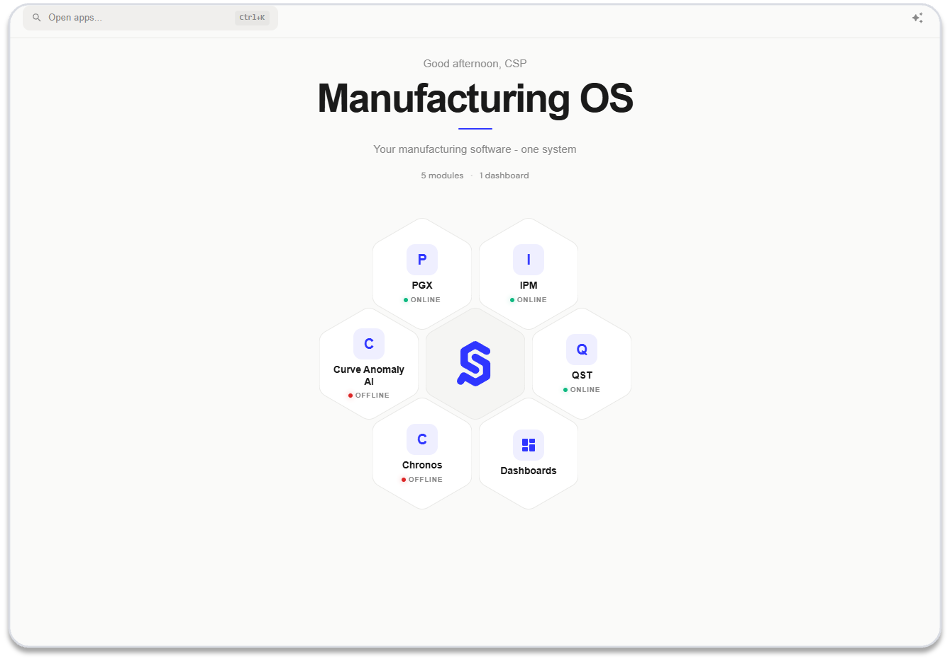
The new Entry Page is your central starting point in Manufacturing OS. At a glance , you can see which modules are active and what their status is. Using the search function , you can get to where you need to work in seconds —without detours or multiple logins.
The major new features in Version 26.5
AI assistant directly in your production data
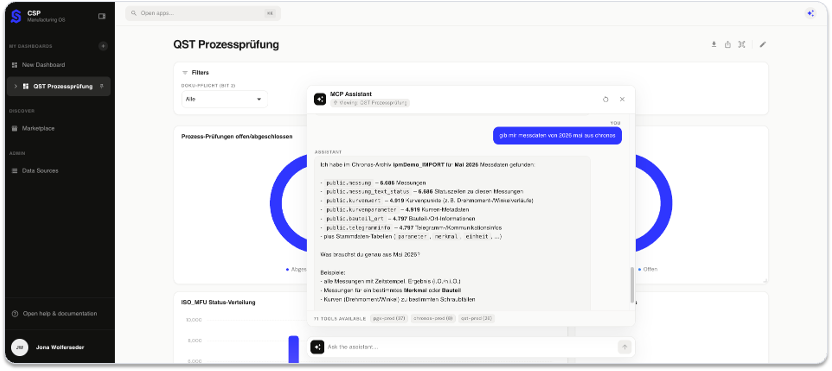
The new MCP Assistant accesses information from all CSP modules and answers questions about your production and quality data directly and in plain language. NOK status of a serial number, current measurement data, anomalies in the production process: The relevant information is automatically consolidated. The AI identifies correlations, evaluates anomalies, and helps you gain new insights from your data.
Custom Dashboards – Your KPIs, Your View
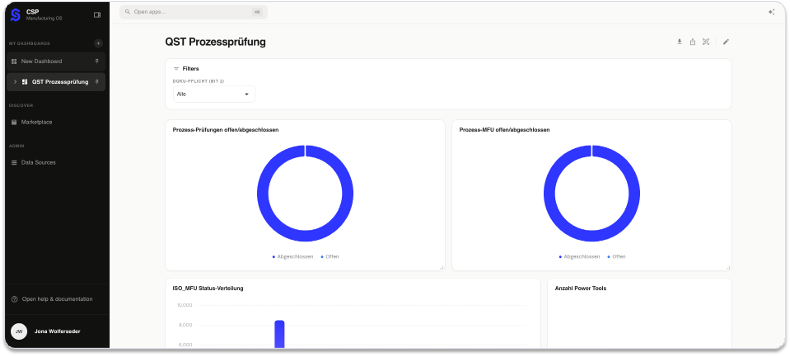
Freely configurable dashboards connect to any data source and display exactly the metrics your role truly needs. Production overview for management, quality status for the inspection department: Each view can be customized individually. The dashboard is also immediately accessible on mobile devices via QR code.
View curves, automatically detect anomalies
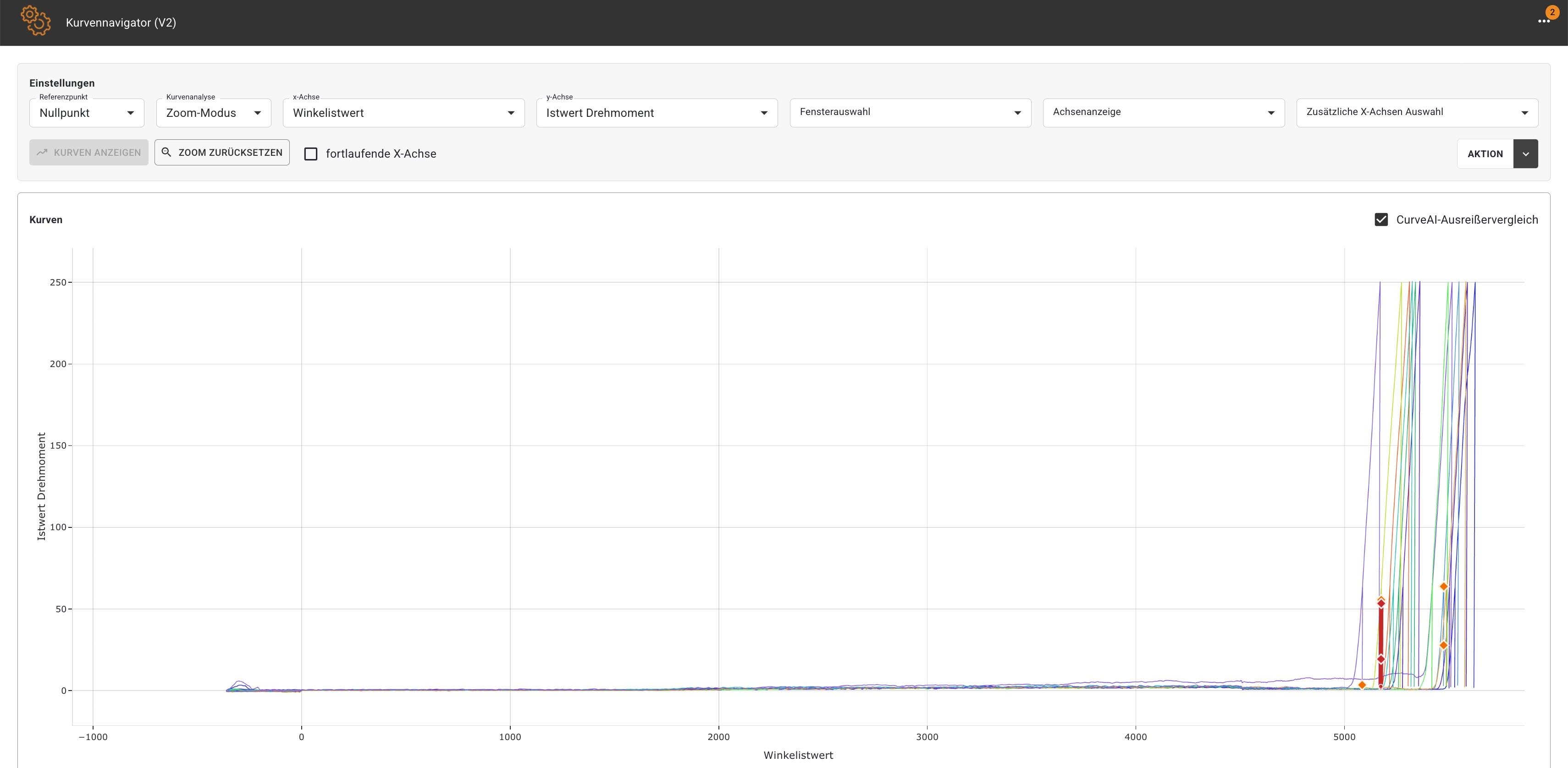
The new curve navigator visually displays tightening and process curves. Multiple curves can be overlaid and directly compared: What was previously invisible at the final measurement point becomes immediately visible in the curve. The integrated AI automatically detects anomalies, highlights them in color, and generates a detailed view suitable for documentation.
Statistically evaluate quality data—directly in the system
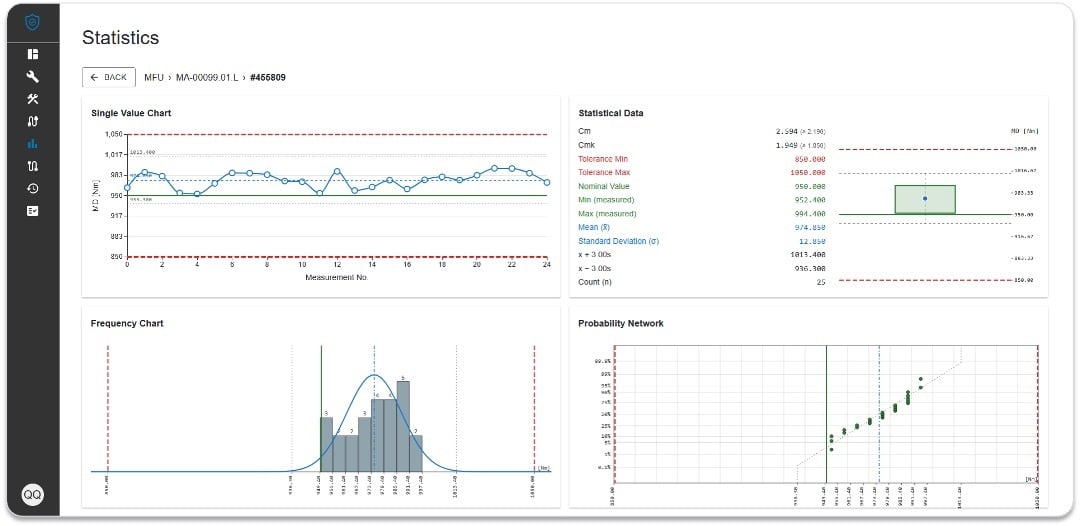
MFU/PFU statistics now provide process metrics such as Cp and Cpk, control charts, and trend curves directly in QST without the need for external analysis tools. Deviations and trends become visible before they develop into systematic errors.
Microsoft Entra SSO – one login for all modules
Users can now log in once using their Microsoft account. MFA, Smart Card, certificate, and Windows Hello are supported. Separate UMS login credentials are no longer required. If an employee is deactivated in Entra, access to all CSP modules is automatically revoked without manual intervention by IT.
Further innovations in detail
|
IPM
|
|
|
PGX
|
|
|
QST Web
|
|
|
CHRONOS
|
|
A platform for smart manufacturing
With version 26.5, the Manufacturing OS is more than just an update: it is a new foundation. The combination of a central platform, AI assistant, integrated statistics, and simplified user management makes CSP the Industrial AI Platform that supports manufacturing decisions in a data-driven and efficient manner.